Home › TV Installation › Mounting a TV on the Wall
Installer.ie TV Wall Mounting Guide

Mounting a TV on the Wall: Step-by-Step Guide

A practical guide to planning a TV wall mount installation — from choosing the right bracket and checking the wall to cable routes, lifting the TV, final setup and knowing when to use a professional TV installer.

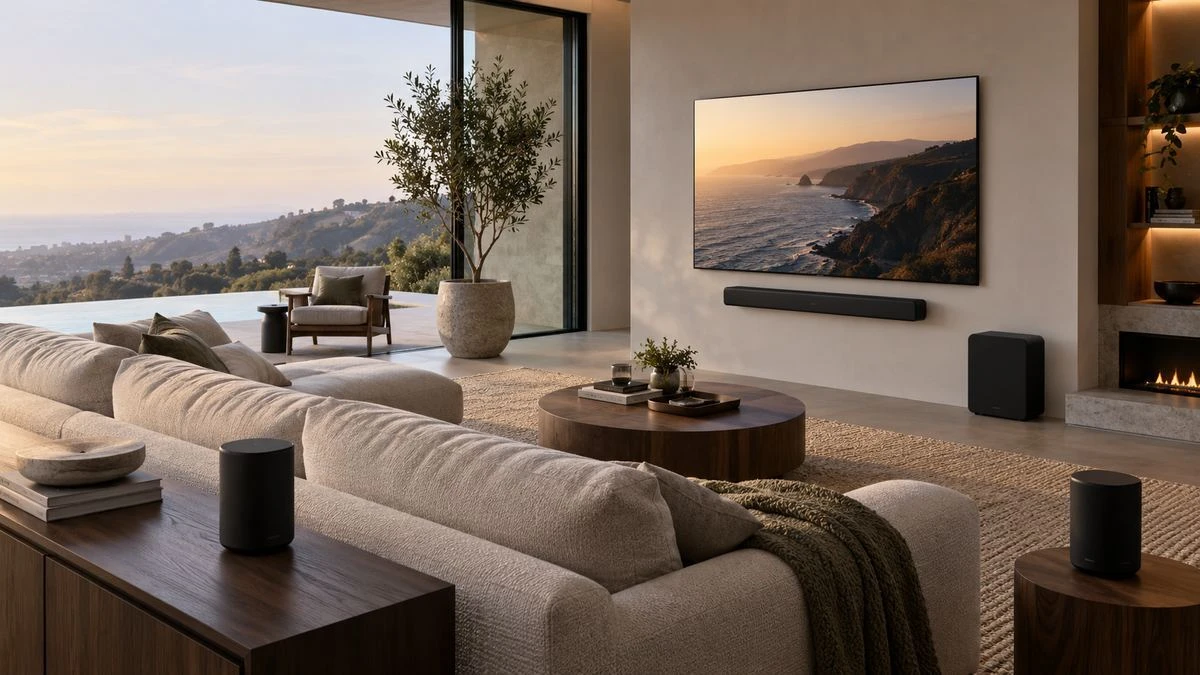
Wall-mounted television with soundbar in a finished living room
A wall-mounted TV can look simple when finished; the important work is choosing the correct mount, fixing method, position and cable route.
15,000+Installations
30+Years’ Experience
ONE TEAMTV, Audio & Wi-Fi
DUBLIN BASEDDublin, Wicklow & Kildare
4.97/5 from 590 Installer.ie customer reviews

Feedback from customers across our TV, home cinema, Wi-Fi, Saorview and other installation services.

READ CUSTOMER REVIEWS →
Watch our video

See Installer.ie in action

Watch our video, then explore the guide below to plan your TV position, bracket and cable routes.

Ready to arrange your installation? Send your TV details and wall photos through our estimate form.

GET MY TV INSTALLATION PRICE →
Before you drill a hole

What to know before mounting a TV on the wall

Mounting a TV on the wall is not just a case of choosing a height and drilling four holes. The TV, bracket, wall construction, fixing points, cable route, sockets, connected equipment and viewing position all affect the finished installation. A TV mounted on a wall should be secure, level, comfortable to watch and still allow sensible access to power and signal connections.

The exact fixings and installation method depend on the wall and the wall-mount manufacturer. Always follow the instructions supplied with your television and bracket. If you are unsure about the wall construction, hidden services, the weight of the TV or the fixings required, use a professional TV mounting service.

Safety first: do not rely on plasterboard/drywall alone unless the specific fixing system and mount are designed and rated for that application. Check for electrical cables, pipes and other hidden services before drilling. Large TVs should be lifted by more than one person. Any electrical alterations in an Irish home should be carried out by an appropriately registered electrical contractor.
The full process

Mounting a television on a wall: 10 steps

This is a planning guide rather than a replacement for the instructions supplied with your TV and wall mount. Different mounts and wall constructions require different fixings and drilling methods.

1

Choose the viewing position and TV height

Start from where people actually sit. The screen should be comfortable to view without forcing you to look sharply upwards or sideways. Consider sofas, beds, dining positions, windows, glare and furniture below the TV.

  • Mark the approximate centre of the screen, not just the top or bottom.
  • Allow for a soundbar, cabinet or fireplace if present.
  • Check that a full-motion bracket has room to extend and turn.
2

Check the TV size, weight and VESA pattern

The wall mount must be compatible with both the TV’s weight and its mounting-hole pattern. VESA refers to the horizontal and vertical spacing of the mounting holes on the rear of the TV.

  • Check the TV model and manufacturer instructions.
  • Confirm the mount supports the screen size, weight and VESA dimensions.
  • Use the correct bolts and any spacers required for the rear of the TV.
3

Identify what the wall is made from

Brick, block, concrete, timber-stud walls, dot-and-dab construction, metal studs and false walls need different approaches. The correct fixing is determined by the structure behind the finished surface — not simply by what the wall looks like.

  • Do not guess at the wall construction.
  • Do not assume the fixings supplied with a bracket are correct for every wall.
  • For large or articulating TVs, the forces on the wall increase when the screen is pulled forward.
4

Plan power, HDMI, aerial and network cables

Before fixing the bracket, decide where every cable must go. Think about power, Sky, Saorview/Freesat, Apple TV, games consoles, Ethernet and the soundbar. A neat TV wall mount setup is much easier when the cable route is planned first.

  • Keep sockets and connection points accessible.
  • Decide whether cables will be concealed or managed neatly on the surface.
  • If a mains socket or fixed electrical wiring must be moved or added, arrange the appropriate electrical work.
5

Position and level the wall plate

Use the wall-mount template or the actual wall plate to transfer the fixing positions to the wall. Re-check the TV height, centre line and bracket position before drilling.

  • Use a proper level.
  • Check that the bracket position works with the TV’s VESA location; the holes on the TV are not always centred vertically.
  • Confirm the fixing points land on suitable structure.
6

Drill and secure the wall plate using the correct fixings

Drill size, depth and fixing type must match the wall construction and the mount manufacturer’s requirements. The wall plate should sit solidly against the wall and remain level as the fixings are tightened.

  • Stop if the wall construction is different from what you expected.
  • Avoid overtightening fixings or crushing a finished wall surface.
  • For concrete, block, metal studs or specialist walls, use the fixing method specified for that construction.
7

Attach the mounting rails or TV plate to the television

Protect the screen while the rear brackets are fitted. Use the bolt length, washers and spacers specified for the TV and mount. The rails should be secure without putting inappropriate pressure on the TV casing.

  • Keep ventilation openings and cable connections clear.
  • Do not use bolts that are too long for the TV.
  • Check that both rails sit at the same height.
8

Lift the TV onto the wall mount and engage the safety locks

This is the stage where a second person is essential for many TVs. Large screens can be awkward even when they are not particularly heavy. Lift as instructed by the TV manufacturer and engage the mount’s locking or safety mechanism.

  • Never lift a large TV by gripping or pressing the screen.
  • Make sure both sides are properly engaged with the mount.
  • Check any locking screws, pull cords or retaining clips.
9

Connect the TV, soundbar and source equipment

Connect the agreed equipment and make sure cables are not trapped, stretched or bent too tightly. If you are fitting a soundbar, check the relationship between the TV, bracket and soundbar before final cable dressing.

  • Test HDMI inputs and sound output.
  • Check TV channels, streaming devices and network connection.
  • Leave enough cable movement for a tilting or full-motion bracket.
10

Level, test and complete the final safety check

Once the TV is mounted, re-check that the wall plate and television remain secure. Confirm that the screen is level, the bracket moves correctly, cables are clear and the TV has suitable ventilation.

  • Check the bracket locks are engaged.
  • Move a full-motion bracket slowly through its normal range.
  • Make sure children cannot easily pull connected furniture or loose cables.
The wall matters as much as the TV

Mounting a TV on plasterboard, brick, block or a false wall

Two rooms can look identical but need completely different fixing methods. Before installing a TV wall mount, identify the structure that will actually carry the load.

Brick or solid block

A strong substrate can be suitable for TV wall mounting when the correct drill size, fixing type and embedment are used. Mortar joints, hollow blocks and weak surfaces need extra consideration.

Timber-stud plasterboard

Where possible, the mounting points are normally planned around suitable structural studs. The stud positions, spacing, bracket width and TV position all need to work together.

Dot-and-dab / dry-lined walls

There may be a gap between the plasterboard and the masonry behind it. Fixings must account for the actual construction so the board is not crushed and the load reaches suitable structure.

False walls & feature walls

Timber framing, panelling, slats, recessed TV sections and media walls should be designed so the bracket fixes into adequate structure, not just the decorative finish.

Drywall/plasterboard warning: generic advice such as “use four plasterboard plugs” is not safe for every TV or bracket. A fixed 32-inch TV and an 85-inch TV on a full-motion arm create very different loads. The fixing system must be matched to the actual wall and mount.
Choosing the mount

Fixed, tilting or full-motion TV wall bracket?

The best bracket depends on where you sit, the screen size, cable access and whether you need to turn the television. A low-profile fixed mount gives a very clean finish; tilting and full-motion mounts provide more adjustment but usually need more clearance behind the TV.

  • Fixed: slim, simple and ideal when the TV is directly in front of the main seating position.
  • Tilting: useful when the TV must sit a little higher or when downward adjustment helps viewing.
  • Full motion: extends and swivels for corner seating or multiple viewing positions.
  • Specialist / slim mounts: some premium TVs use model-specific or near-flush mounting systems.
The difference between mounted and finished

Hiding cables when a TV is mounted on the wall

The bracket is only part of a good installation. Power, HDMI, aerial, network and speaker cables should be planned so the finished TV looks tidy and the equipment remains serviceable.

Where wall construction and access allow, low-voltage signal cables can often be routed out of sight. In other situations, neat surface cable management may be the better option. Fixed mains wiring and socket alterations should be handled as electrical work, not improvised with hidden extension leads.

  • TV power and socket location
  • Sky, Saorview or Freesat connections
  • HDMI for Apple TV, games consoles and other sources
  • Ethernet where a wired TV connection is preferable
  • Soundbar HDMI/eARC and power
  • Service access for future TV replacement or upgrades
Installer.ie guide prices

How much does it cost to mount a TV on the wall?

The final TV wall mount installation cost depends on screen size, wall construction, bracket type, cable route and any additional equipment. These are Installer.ie basic installation guide prices by TV size; use our estimate form for the full job.

Up to 31″

€109

Basic installation

32–60″

€159

Basic installation

61–80″

€189

Basic installation

81–100″

€229

Basic installation

Bracket supply, specialist wall construction, cable concealment, electrical work, soundbars, additional equipment and other requirements may change the final price. Upload photos of your wall, sockets and bracket so the work can be assessed before booking.

CHOOSE OPTIONS & GET MY PRICE →
When DIY stops being straightforward

When to use a professional TV mounting service

If the TV is large, the wall construction is uncertain, you need a full-motion bracket, the mounting position is above a fireplace, cables must be concealed, or there is expensive AV equipment to integrate, a professional installation can avoid costly mistakes.

Installer.ie can assess the wall and bracket, mount the television, plan cable management, connect the agreed equipment and show you how the setup works. For larger projects, we can also look at Sonos, home cinema and Wi-Fi as one system.

  • Professional TV mounting and TV wall mount installation
  • Fixed, tilt and full-motion brackets
  • Large-screen and premium TV installations
  • Soundbar and Sonos installation
  • Hidden cable planning and neat cable management
  • Sky, Apple TV, streaming and games console setup
See finished installations

Recent TV wall mounting and home entertainment work

See recent TV mounting, hidden cable, Sonos and home entertainment installations from Installer.ie.

VIEW MORE WORK ON INSTAGRAM →
Customer feedback

What Installer.ie customers say

Customer feedback from our shared business collection, covering TV, home cinema, Wi-Fi, Saorview and other installation services. Read the full collection using the link below.

Installer.ie website review

Emmet G

★★★★★
Excellent service. Efficient, thorough and friendly.
Read this review →
Installer.ie website review

Edwina Cahill

★★★★★
I found Phillip extremely accommodating and professional. He did a fantastic job installing my TV would highly recommend
Read this review →
Google review

Mary Kavanagh Byrne

Incredibly professional experience from initial contact to job completion. Philip looked after the entire process with complete ease. Philip fully ensured my aunt was satisfied with the installation and familiar with the working of the TV. Philip was so considerate and caring of my aunt, going above and beyond.
Read this review →
Google review

Eleazar Chino

The crew did an amazing job setting up my TV and bracket, and they were very neat and tidy. Not a mess. The guys are really kind and even helped me set up my new TV.
Read this review →
Google review

Zacarías

Highly recommended. quite professional and excellent service in comparison to the other rivals I spoke with.
Read this review →
Google review

Cesar

Very professional installation and excellent service. Suggested highly!
Read this review →

Selected customer feedback. Open all customer reviews for the complete published collection.

READ ALL CUSTOMER REVIEWS →
Local TV installers

TV wall mounting across Dublin, Wicklow and Kildare

Installer.ie provides professional TV installation across our service areas. Popular local pages include Sutton, Howth, Portmarnock, Malahide, Ballsbridge and Donnybrook.

If you searched for a TV installer near you, use the estimate form and include your address, TV model, bracket details and photos of the wall. We can then confirm the work required and availability.

Frequently asked questions

Mounting a TV on the wall FAQs

Can any TV be mounted on a wall?

Many modern TVs can be wall mounted, but you need to check the TV manual, mounting-hole pattern, weight and the compatible bracket specification. Some models use specialist mounting systems or require particular spacers and bolt lengths.

What is VESA on a TV wall mount?

VESA describes the spacing of the mounting holes on the back of a TV, usually given as two measurements in millimetres. The bracket must support the TV’s VESA pattern as well as its size and weight.

Can you mount a TV on plasterboard or drywall?

It can be possible, but the correct method depends on the structure behind the board, the fixing system, the TV weight and the type of bracket. Plasterboard alone should not simply be assumed to support the TV. Large screens and full-motion mounts need especially careful assessment.

Can a TV be mounted above a fireplace?

Sometimes, but heat, viewing height, wall construction, chimney/flue position, cable routes and the TV manufacturer’s guidance all need to be considered first. Send a wide photo of the full fireplace and wall before booking.

How much does TV wall mounting cost?

Installer.ie basic installation guide prices start at €109 for TVs up to 31 inches, €159 for 32–60 inches, €189 for 61–80 inches and €229 for 81–100 inches. The final price depends on the wall, bracket, cable route and additional equipment. Use our TV estimate form for the full installation.

Can you hide the TV wires?

Where the wall construction and access allow, suitable signal cables can often be concealed. If concealment is unsuitable, neat surface cable management may be used. Any fixed electrical alterations should be handled as electrical work.

Do I need two people to mount a TV?

For many TVs, yes. Even a relatively light large-screen television can be difficult to control safely when it is being lifted onto a wall bracket. Follow the TV manufacturer’s handling instructions and use adequate help.

Can Installer.ie supply and fit the bracket?

We can assess the TV and installation requirements and discuss the appropriate bracket options. If you already have a bracket, include photos and model details in your estimate request so compatibility can be checked.
Go beyond a basic wall mount

TV, soundbar and home cinema ideas

Once the TV position is right, the room can be developed around it — from a simple soundbar to surround sound or a dedicated cinema space.

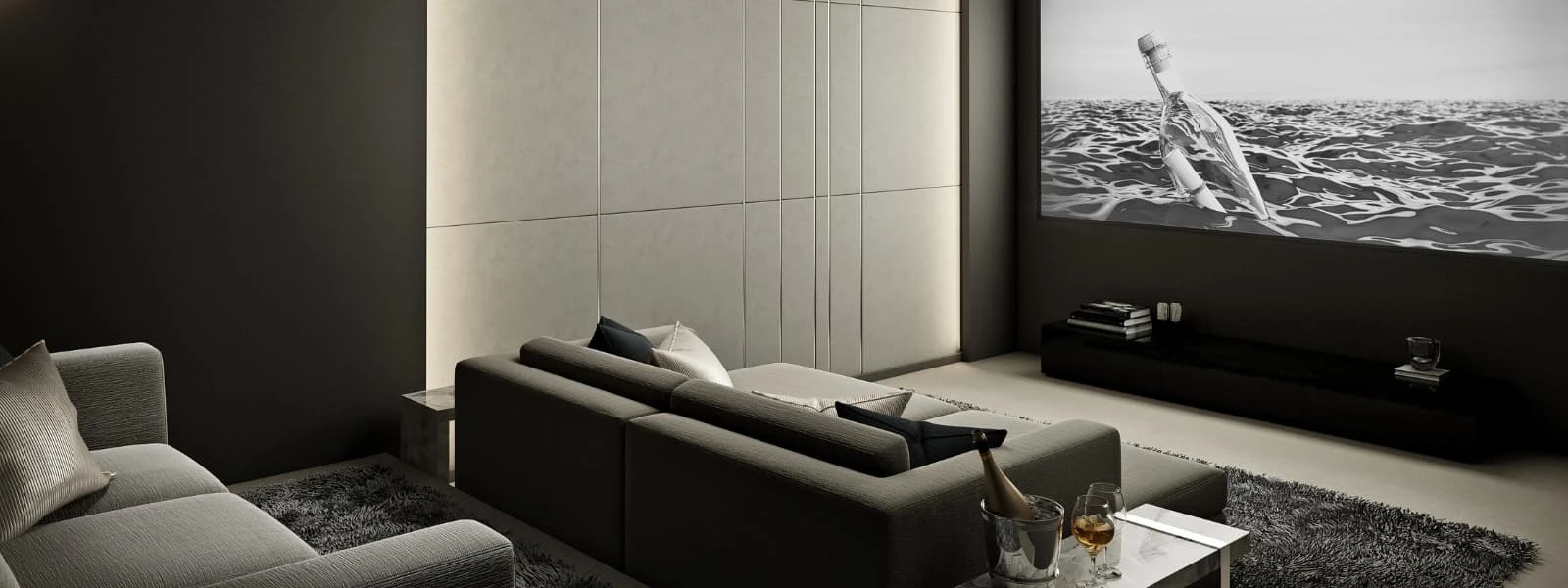
Dedicated home cinema room with a large screen and seating
Dedicated home cinemaPlan the screen, seating, sound and cable routes together for a room designed around films and sport.
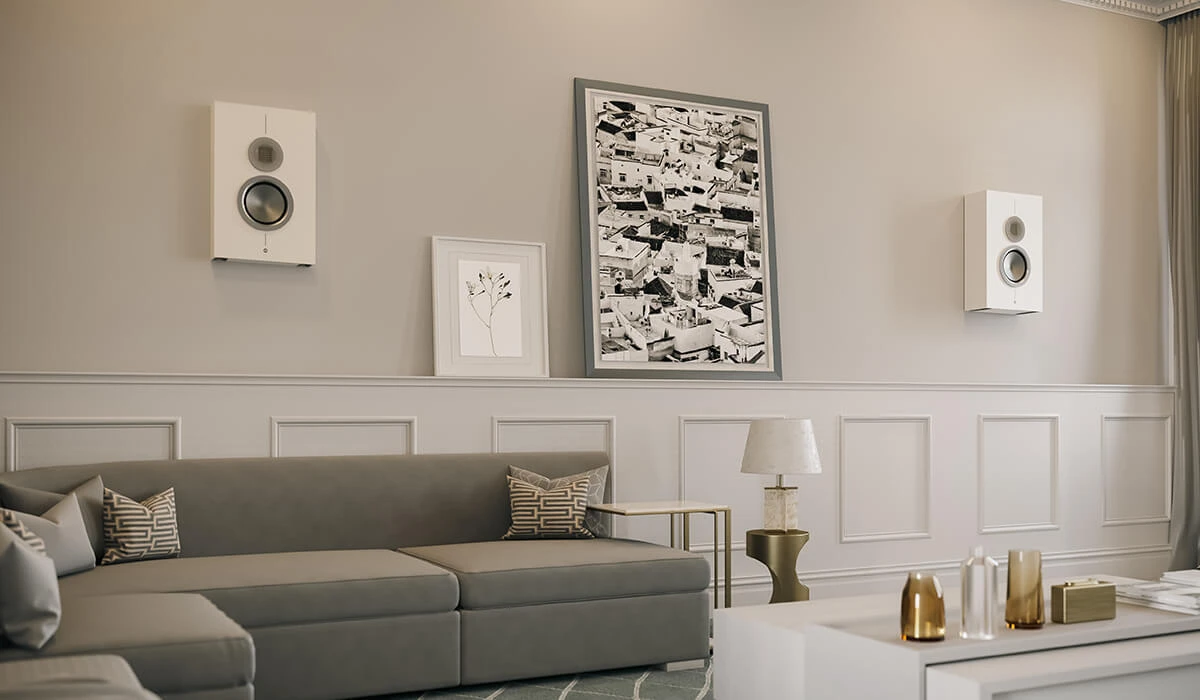
Wall-mounted surround speakers above a sofa
Surround soundSpeaker positions and cable routes can be planned before decorating for a cleaner finish.
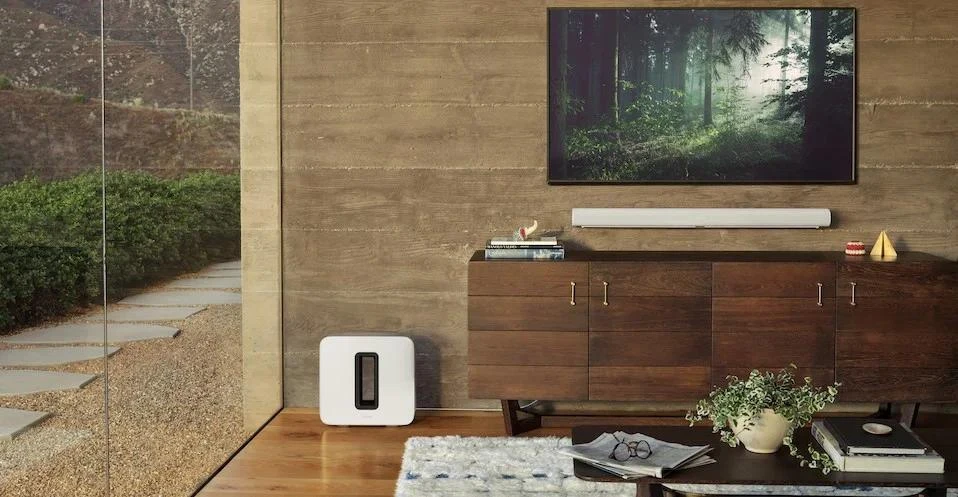
Wall-mounted television with white Sonos soundbar and subwoofer
TV + SonosCombine a professionally mounted TV with a compatible soundbar and Sonos equipment.

Want your TV mounted professionally?

Send your TV size/model, wall photos, sockets and bracket details. Installer.ie can assess the job before booking.

GET MY TV INSTALLATION PRICE →

Rated 4.97/5 from 590 Installer.ie customer reviews.

Installer.ie provides professional TV installation, TV wall mounting, Sonos, home cinema and Wi-Fi services across Dublin, Wicklow and Kildare. Read customer reviews or contact Installer.ie.